


Erik
-
Posts
5 -
Joined
-
Last visited
Content Type
Profiles
Forums
Articles
Events
Store
Gallery
Downloads
Blogs
Everything posted by Erik
-
Version 1.0.0
0 downloads
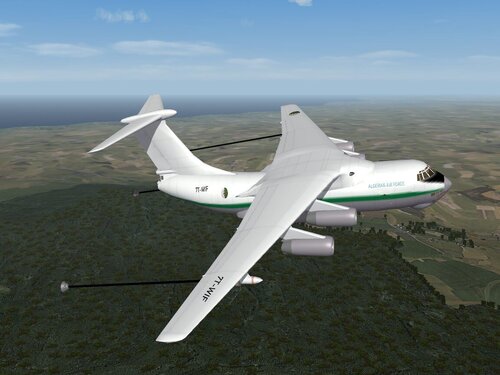
BIG AIRPLANE: This is some big text blob about how this airplane flys and what you need to do to install it. This will include a bunch of read-me documents and instructions for how to install this. It will also include information about how the file was Modded and who Modded it. Included as reference will be any credit that are necessary. This is a big blob of text to show how it displays and what renders. May the files be with you. -
Version 1.0.0
0 downloads
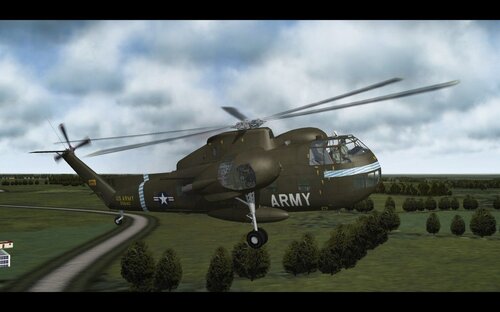
HELOCOPTER VERSION 1: This is some big text blob about how this airplane flys and what you need to do to install it. This will include a bunch of read-me documents and instructions for how to install this. It will also include information about how the file was Modded and who Modded it. Included as reference will be any credit that are necessary. This is a big blob of text to show how it displays and what renders. May the files be with you. -

Version 1.0.0
0 downloads
FAST AIRPLANE: This is some big text blob about how this airplane flys and what you need to do to install it. This will include a bunch of read-me documents and instructions for how to install this. It will also include information about how the file was Modded and who Modded it. Included as reference will be any credit that are necessary. This is a big blob of text to show how it displays and what renders. May the files be with you. -

Version 1.0.0
0 downloads
GREAT BIG AIRPLANE: This is some big text blob about how this airplane flys and what you need to do to install it. This will include a bunch of read-me documents and instructions for how to install this. It will also include information about how the file was Modded and who Modded it. Included as reference will be any credit that are necessary. This is a big blob of text to show how it displays and what renders. May the files be with you. -
Welcome to Pages! Pages extends your site with custom content management designed especially for communities. Create brand new sections of your community using features like blocks, databases and articles, pulling in data from other areas of your community. Create custom pages in your community using our drag'n'drop, WYSIWYG editor. Build blocks that pull in all kinds of data from throughout your community to create dynamic pages, or use one of the ready-made widgets we include with the Invision Community. View our Pages documentation
-
Welcome to your new Invision Community! Take some time to read through the Getting Started Guide and Administrator Documentation. The Getting Started Guide will walk you through some of the necessary steps to setting up your community. The Administrator Documentation takes you through the details of the capabilities of our platform. Go to the Documentation